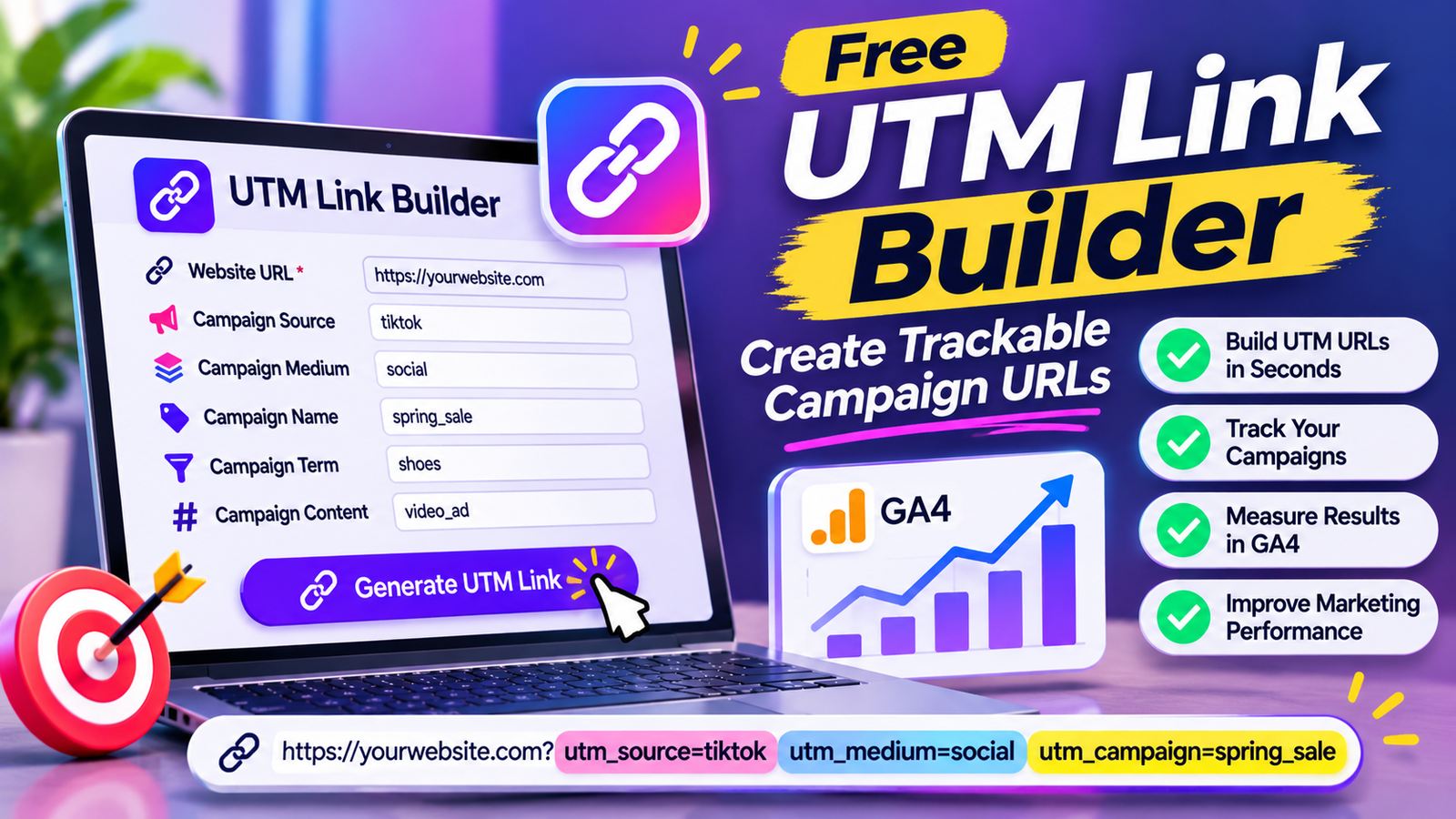
Free UTM Link Builder: Create Trackable Campaign URLs
Do you share website links on Facebook, Instagram, TikTok, email newsletters, or paid advertising campaigns? If you do, understanding where your website visitors come from is essential for measuring your marketing performance.
Website analytics tools can show how people arrive at your website, but sometimes you need more detailed information about individual campaigns, advertisements, and promotional links.
This is where a UTM link builder becomes useful.
A UTM link builder allows you to add tracking parameters to your website URLs. These parameters help analytics platforms identify the source, medium, campaign, and other details associated with incoming traffic.
For example, instead of sharing a regular website link, you can create a trackable URL that identifies visitors coming from a specific Facebook campaign or email newsletter.
In this guide, you will learn what a UTM link builder is, how UTM parameters work, how to create tracking URLs, how to use them with Google Analytics 4, and how to avoid common campaign tracking mistakes.
What Is a UTM Link Builder?
A UTM link builder is an online tool that helps marketers create trackable URLs by adding UTM parameters to regular website links.
UTM stands for Urchin Tracking Module. These parameters are added to the end of a URL and provide additional information about the traffic source.
For example, a regular website URL might look like this:
A tracked URL could look like this:
The second URL contains tracking information that can help an analytics platform identify:
The traffic source: Facebook
The marketing medium: Social
The campaign name: Summer Sale
A UTM link builder makes creating these URLs easier because you do not need to manually write every parameter.
You simply enter your destination URL, provide campaign information, and generate the tracking link.
Free UTM Link Builder: Create Trackable URLs
If you regularly promote your website through different marketing channels, a free UTM link builder can simplify campaign tracking.
Instead of creating tracking parameters manually, you can use a generator to build properly structured campaign URLs.
How to Use a UTM Link Builder
A typical UTM link builder works through a few simple steps.
Step 1: Enter Your Website URL
Start by entering the destination page where you want visitors to land.
For example:
Make sure the URL is correct and accessible.
Step 2: Enter the Campaign Source
The source identifies where your traffic is coming from.
Examples include:
TikTok
Newsletter
Step 3: Enter the Campaign Medium
The medium describes the marketing channel or type of traffic.
Examples include:
Social
CPC
Referral
Display
Step 4: Enter the Campaign Name
The campaign name identifies a particular marketing campaign.
Examples include:
Summer Sale
Product Launch
Black Friday
Spring Promotion
New Blog Campaign
Step 5: Add Optional Parameters
You can also add a campaign term or content value when appropriate.
These fields help distinguish paid search keywords, advertisements, or different versions of a promotional link.
Step 6: Generate Your UTM Link
The tool combines your destination URL with the selected tracking parameters.
Step 7: Copy and Use Your Tracking URL
Copy the generated URL and add it to your marketing campaign.
After visitors click the link, compatible analytics platforms can use the parameters to classify the incoming traffic.
Note: This article describes the intended functionality of a UTM link builder. A working interactive generator must be implemented separately on the website.
What Are UTM Parameters?
UTM parameters are short pieces of information added to a URL to help identify marketing traffic.
They usually appear after a question mark and are separated by ampersands.
For example:
The URL contains three UTM parameters:
utm_source=instagram
utm_medium=social
utm_campaign=product_launch
Google Analytics and other compatible analytics platforms can use these values to report campaign information.
There are five standard UTM parameters commonly used for campaign tracking.
The Five Main UTM Parameters Explained
Understanding each UTM parameter is important before creating campaign URLs.
1. utm_source
The utm_source parameter identifies the source that sends visitors to your website.
It helps answer the question:
Where did this visitor come from?
Common examples include:
tiktok
newsletter
youtube
Example:
utm_source=facebook
If someone clicks a campaign link shared on Facebook, this value helps identify Facebook as the traffic source.
Use clear and consistent source names throughout your campaigns.
For example, avoid using different versions such as:
FB
fb_ads
unless you intentionally want to distinguish them.
2. utm_medium
The utm_medium parameter identifies the marketing medium or channel.
It helps answer:
How did the visitor arrive at my website?
Common examples include:
social
cpc
display
affiliate
referral
Example:
utm_medium=social
A Facebook post might use:
utm_source=facebook&utm_medium=social
A paid Facebook advertisement might use a more specific medium such as:
utm_source=facebook&utm_medium=paid_social
Consistency is important because different values may be reported as separate traffic classifications.
3. utm_campaign
The utm_campaign parameter identifies the specific marketing campaign.
It helps answer:
Which campaign generated this visit?
Examples include:
summer_sale
product_launch
black_friday
email_promotion
winter_collection
Example:
utm_campaign=summer_sale
You can use the same campaign name across multiple sources to compare how different marketing channels perform.
For example, a summer promotion might run on Facebook, Instagram, and email.
Each link can use the same campaign name but a different source.
4. utm_term
The utm_term parameter is commonly used to identify paid search keywords or other targeting terms.
Example:
utm_term=running_shoes
It can help marketers distinguish traffic associated with different keywords or targeting selections.
This parameter is optional and is not necessary for every campaign.
Do not confuse it with the actual search query a visitor enters into a search engine. It is a value you assign to the campaign link.
5. utm_content
The utm_content parameter helps distinguish different advertisements, links, or creative versions within the same campaign.
For example, you might publish two different Facebook advertisements:
Image Advertisement
Video Advertisement
You could use:
utm_content=image_ad
and:
utm_content=video_ad
This makes it easier to compare the performance of different campaign assets when the other UTM values remain consistent.
Complete UTM URL Example
Let’s create a tracking URL for a fictional online store.
Destination URL:
Campaign information:
| Parameter | Value |
| Source | |
| Medium | paid_social |
| Campaign | summer_sale |
| Term | running_shoes |
| Content | video_ad |
Generated URL:
This URL identifies the destination page and includes campaign information.
When a visitor clicks the link, the analytics platform can use the parameters to help classify the session.
Why Should You Use a UTM Link Builder?
UTM tracking is useful for businesses, content creators, bloggers, agencies, and digital marketers.
Here are some important benefits.
1. Understand Where Website Traffic Comes From
Without campaign tagging, it may be difficult to distinguish between individual promotional activities.
UTM parameters help identify the source and medium associated with campaign visits.
For example, you can compare traffic from:
Facebook posts
Instagram Stories
Email newsletters
TikTok profile links
LinkedIn campaigns
This gives you a clearer picture of your marketing channels.
2. Measure Marketing Campaign Performance
A UTM link builder helps you create consistent tracking links for different campaigns.
You can use analytics reports to examine sessions, engagement, conversions, and other available metrics.
This makes it easier to understand which campaigns are contributing to your marketing goals.
3. Compare Different Social Media Platforms
Suppose you share the same blog article on Facebook, Instagram, and LinkedIn.
You can create a separate tracking URL for each platform while keeping the campaign name consistent.
For example:
?utm_source=facebook&utm_medium=social&utm_campaign=blog_promotion
?utm_source=instagram&utm_medium=social&utm_campaign=blog_promotion
?utm_source=linkedin&utm_medium=social&utm_campaign=blog_promotion
You can then compare traffic from the three sources.
4. Track Email Marketing Campaigns
Email newsletters often contain links to blog posts, product pages, and promotional offers.
UTM parameters help identify visits generated by particular email campaigns.
For example:
utm_source=monthly_newsletter&utm_medium=email&utm_campaign=november_updates
This can help you compare the performance of different email promotions.
5. Compare Advertisement Creatives
Marketers frequently test different advertisements within the same campaign.
You can use utm_content to distinguish between creative versions.
For example:
utm_content=blue_banner
utm_content=video_creative
utm_content=product_image
This helps organize campaign reporting.
6. Improve Marketing Decisions
Campaign data can help you identify which channels and promotional approaches are producing useful results.
You can use this information to:
Improve campaign planning.
Identify effective traffic sources.
Compare content promotion strategies.
Evaluate landing pages.
Improve marketing budgets.
Make more informed decisions.
Remember that UTM tracking measures tagged visits; it does not automatically explain every reason behind campaign performance.
How to Create UTM Links for Different Marketing Channels
Different marketing channels may require different UTM values.
Below are practical examples.
1. Facebook Campaign Tracking
Suppose you share a blog article on your Facebook business page.
Destination URL:
UTM values:
Source: facebook
Medium: social
Campaign: seo_guide_promotion
Generated URL:
This helps identify traffic from that Facebook promotion.
2. Instagram Campaign Tracking
Suppose you add a website link to your Instagram bio.
You could use:
If you want to track a particular promotional campaign, choose a campaign name that clearly identifies it.
3. TikTok Campaign Tracking
Suppose you promote a website through a TikTok profile link.
Example:
This allows you to identify visits associated with the tagged TikTok link.
4. Email Newsletter Tracking
Suppose you send a monthly newsletter to your subscribers.
Example:
You can use consistent campaign naming to compare newsletter traffic over time.
5. YouTube Campaign Tracking
Suppose you add a website link to a YouTube video description.
Example:
This helps identify visits generated through the tagged video link.
6. Pinterest Campaign Tracking
Suppose you promote a blog article through a Pinterest Pin.
Example:
You can also use utm_content to distinguish different Pin designs.
7. LinkedIn Campaign Tracking
Suppose you share a business article on LinkedIn.
Example:
This helps identify traffic from the LinkedIn promotion.
How to Use UTM Links With Google Analytics 4
Google Analytics 4, commonly called GA4, is a website analytics platform that helps you understand how visitors interact with your website.
UTM parameters can provide campaign information that appears in GA4 acquisition reports.
Here is a basic workflow.
Step 1: Set Up Google Analytics 4
Make sure GA4 is properly installed on your website.
Your tracking setup should be configured to collect website activity.
Step 2: Create Your UTM Link
Use a UTM link builder to create a campaign URL.
Enter the destination page, source, medium, and campaign name.
Step 3: Share the Tagged URL
Use the generated link in your Facebook post, email, advertisement, or other marketing channel.
Step 4: Wait for Campaign Visits
When users click the link, GA4 can use the UTM parameters to classify the incoming traffic.
Reporting is not always immediate, and data availability depends on analytics processing and implementation.
Step 5: Review Acquisition Reports
In GA4, look for the Traffic acquisition report.
Depending on your configuration and report settings, useful dimensions can include:
Session source
Session medium
Session campaign
Session source / medium
These dimensions help you compare campaign traffic.
Step 6: Evaluate Results
Review metrics such as:
Sessions
Engaged sessions
Engagement rate
Key events
Conversions, where configured
Do not judge a campaign only by the number of visits. Consider whether visitors completed the actions that matter to your business.
UTM Link Builder vs. URL Shortener
A UTM link builder and a URL shortener perform different jobs.
A UTM link builder adds tracking parameters to a URL.
A URL shortener creates a shorter link that redirects users to another destination.
| Feature | UTM link builder | URL shortener |
| Adds campaign parameters | Yes | Not necessarily |
| Tracks campaign source | Through tagged URL and analytics | Depends on service |
| Creates shorter URLs | Not usually | Yes |
| Helps organize campaigns | Yes | Not its main purpose |
| Works with analytics platforms | Yes, when configured correctly | Depends on destination and setup |
You can use both tools together.
For example, first create a UTM tracking URL and then use a trusted URL shortener if a shorter shareable link is required.
However, test the final shortened link to ensure that all UTM parameters remain intact after redirection.
Best Practices for UTM Campaign Tracking
Creating a UTM URL is easy, but organizing campaign names correctly is important.
Follow these practices to keep your analytics data useful.
1. Use Consistent Naming Conventions
Choose a naming system and follow it across campaigns.
For example, use lowercase values:
newsletter
paid_social
Avoid inconsistent variations such as:
FB
Inconsistent naming can split similar traffic into different reporting values.
2. Use Clear Campaign Names
Choose names that explain the purpose of a campaign.
Examples:
winter_sale_2026
product_launch
blog_promotion
monthly_newsletter
Avoid vague values such as:
campaign1
test
new
link
Clear names make reports easier to understand.
3. Use Underscores or Hyphens Consistently
Spaces in URL parameter values are encoded.
For easier campaign management, many teams use lowercase words separated by underscores or hyphens.
For example:
summer_sale
or:
summer-sale
Choose one approach and apply it consistently.
4. Do Not Add UTM Parameters to Every Internal Link
UTM parameters are generally intended for tracking incoming campaign links.
Adding campaign parameters to internal website links can overwrite or interfere with attribution information and make analytics reports harder to interpret.
For internal navigation, use appropriate analytics events and other measurement methods instead.
5. Test Your Tracking URLs
Before sharing a campaign link, open it in a browser.
Check that:
The destination page loads.
The URL contains the expected parameters.
Redirects preserve the parameters.
The website’s analytics implementation is working.
6. Keep a Campaign Tracking Spreadsheet
If you run several campaigns, maintain a simple tracking sheet.
Useful columns include:
Campaign name
Source
Medium
Destination URL
Final tracking URL
Campaign start date
Campaign owner
Notes
This helps your team avoid duplicate or inconsistent campaign names.
7. Avoid Sensitive Information
Do not put passwords, email addresses, phone numbers, customer names, or other personal information into UTM values.
URLs can be visible in browser history, analytics systems, server logs, and shared messages.
Use general campaign identifiers instead.
Leave a Reply